Antigravity CLI
The terminal-first surface to interact with Antigravity agents. Stay in your flow without context switching.
Explore the main features
Work in Natural Language
Edit, orchestrate, and build all in natural language. Tell your agents what you need, and they’ll work on getting it done.
Subagents functionalities
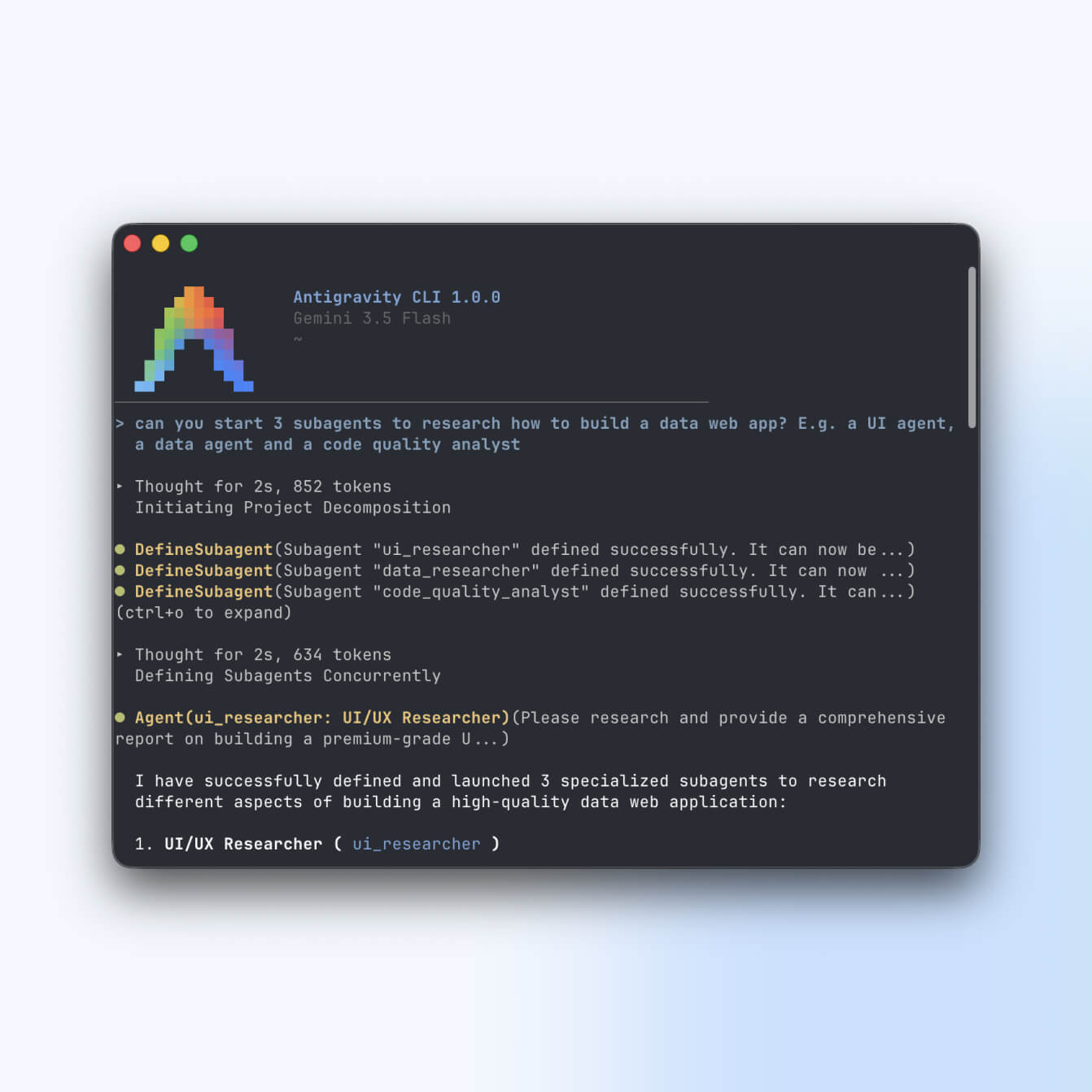
Have multiple agents working in parallel, so larger tasks get tackled faster.
ads_click
Snappy Experience
A minimal resource footprint designed for speed; the most lightweight way to invoke, monitor, and interact with Antigravity agents.
format_list_bulleted_spark
Subagents
Delegate background tasks to concurrent agent sessions. Type /agents to open the panel and monitor status, and use ctrl+k to approve tools instantly.
subtitles_gear
Highly configurable
Navigate your entire workflow via standard terminal shortcuts: adjust permissions, themes, and preferences via /config and type /keybindings to customize every shortcut.
article_shortcut
Slash Commands
Access plugins, MCP, skills, and hooks configurations instantly via slash commands, quickly enhancing your workflow.
terminal
Where you are
Perfect for builders who live in the terminal.
Get Started
Launch the TUI
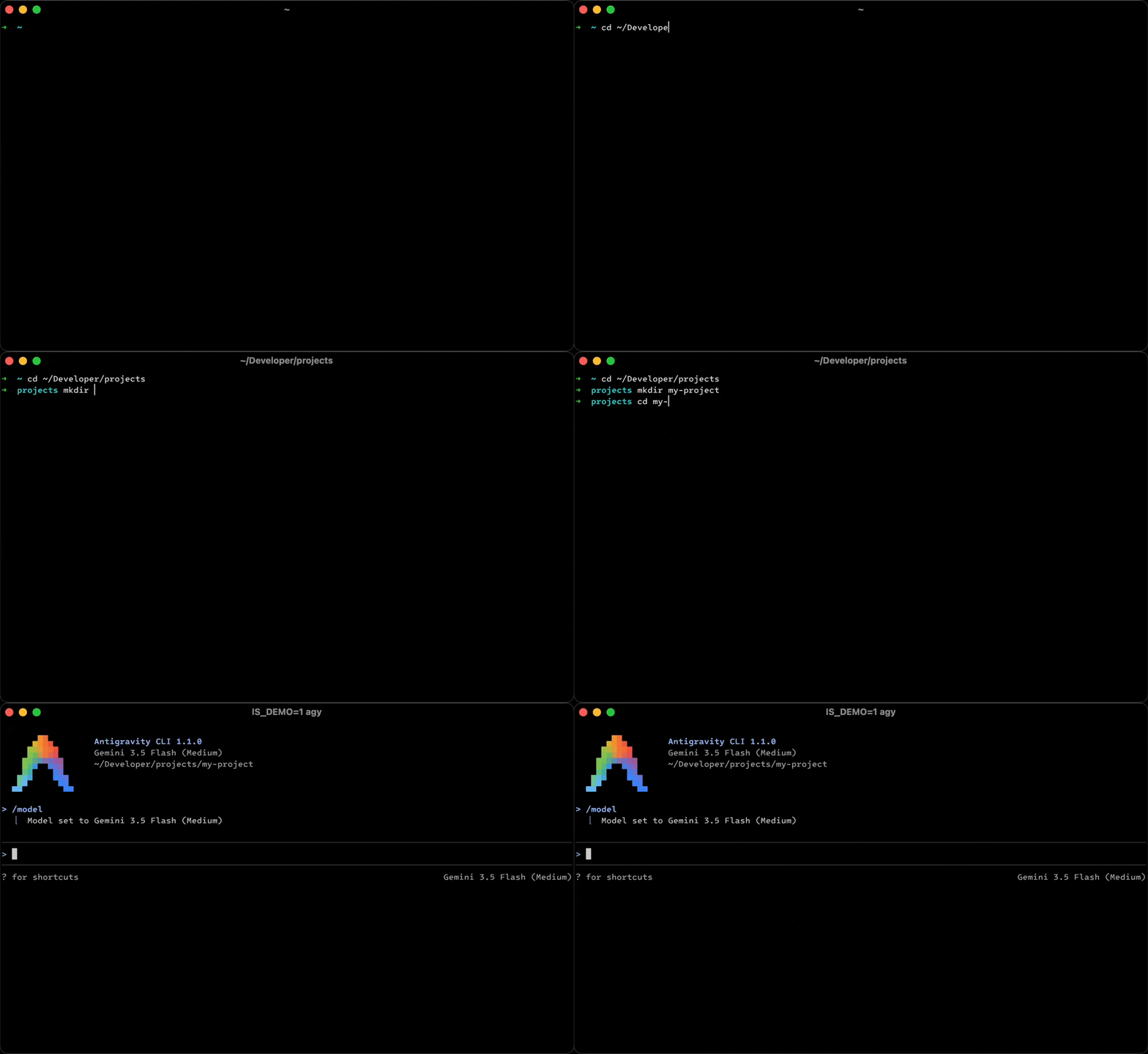
Open a fresh terminal window, navigate to your target project directory, and execute the launcher command to start your first session.
First-Launch Setup
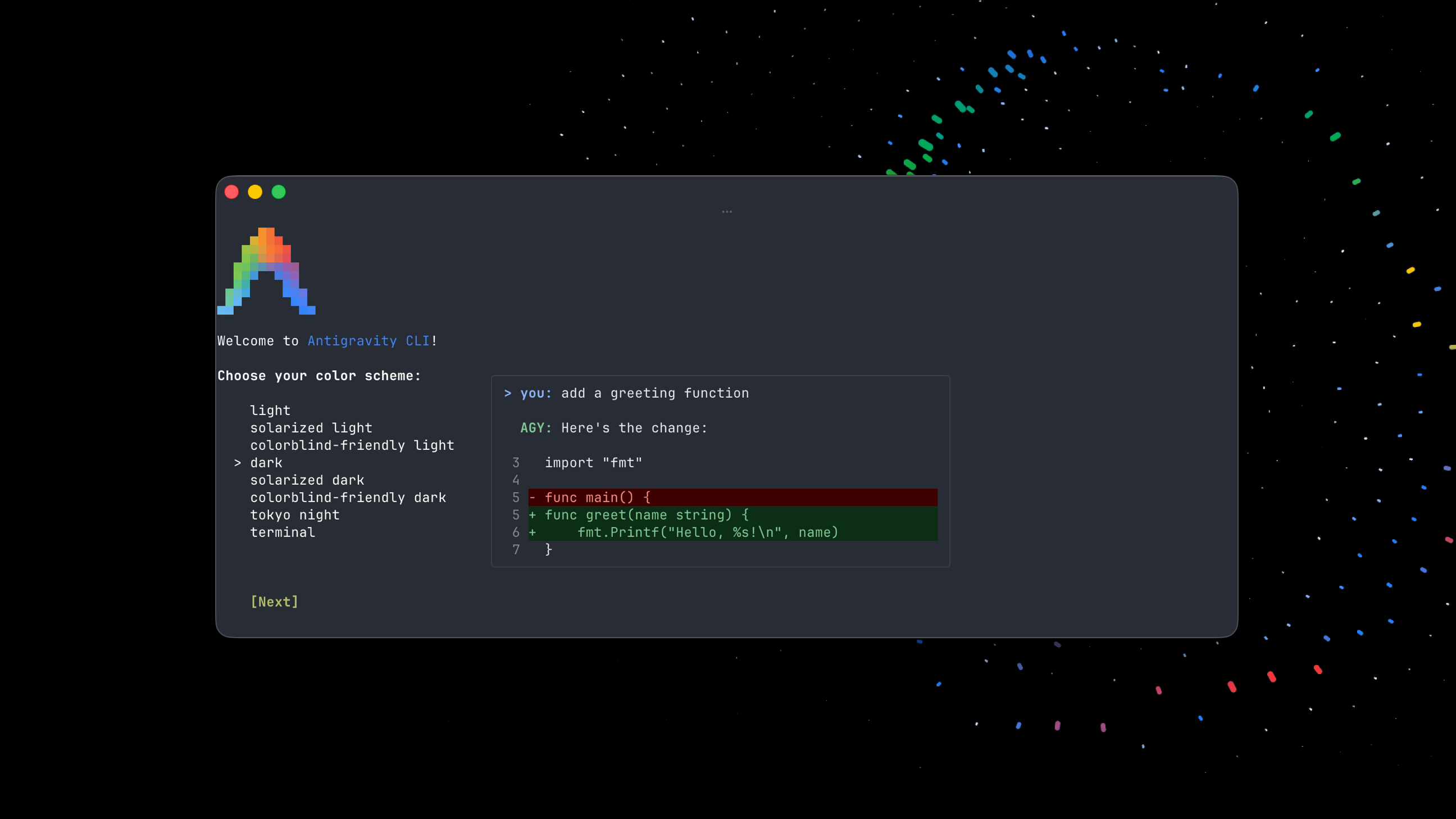
On your first launch, the TUI will walk you through a brief interactive setup to configure your color scheme, rendering mode, and workspace trust.
Learn More
Check out the Getting Started Guide for details on advanced setup, proxy configuration, and writing your first prompt.

Install Google Antigravity CLIInstall Google Antigravity CLI
Last updated Oct 08, 2026