Documentation Index
Fetch the complete documentation index at: https://modelcontextprotocol.io/llms.txt Use this file to discover all available pages before exploring further.
MCP Inspector
Interactive developer tooling for testing and debugging MCP servers, in the browser, on the command line, and in the terminal
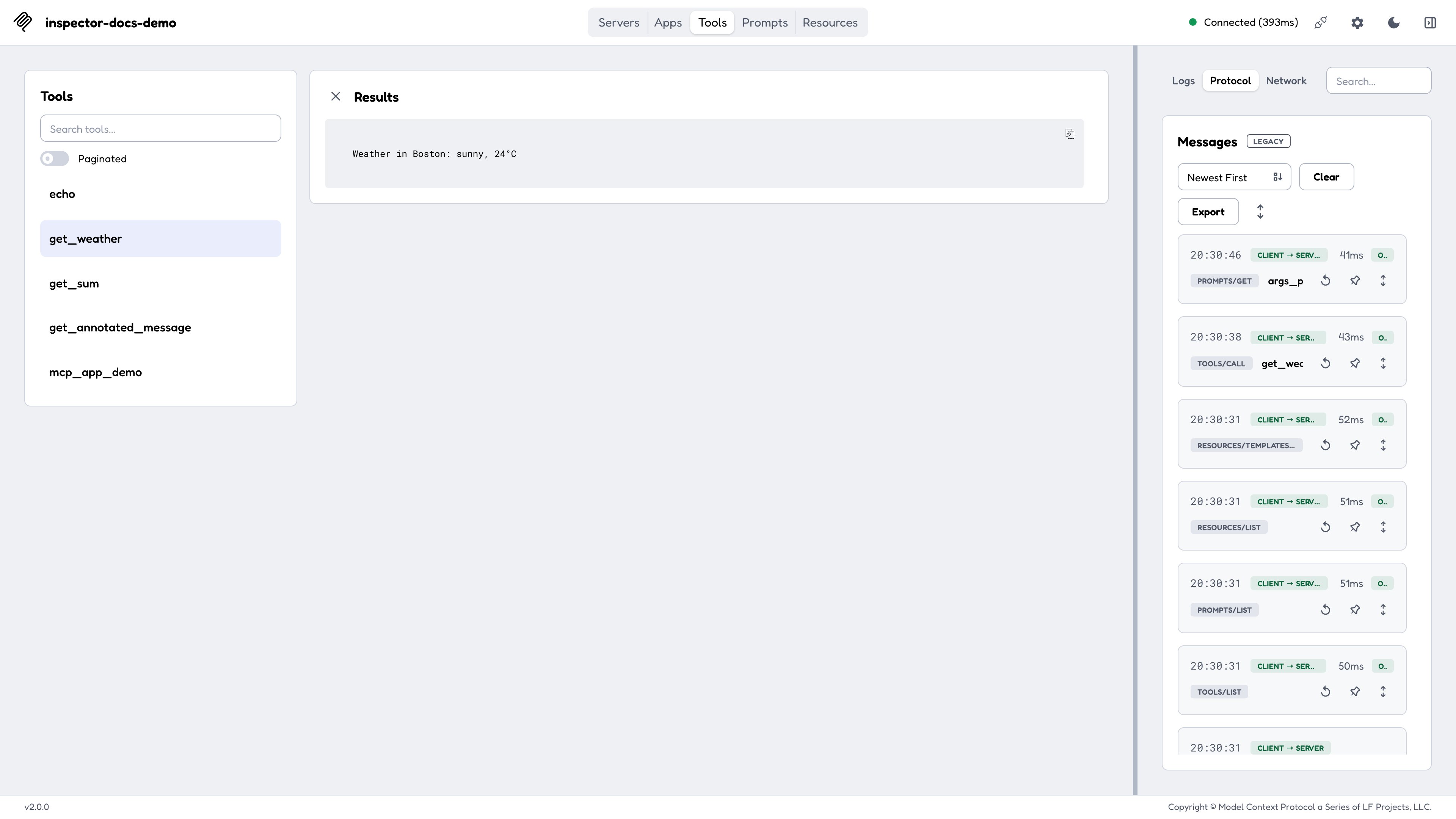
The MCP Inspector is the reference developer tool for testing and debugging MCP servers. It ships as a single package, @modelcontextprotocol/inspector, providing three clients behind one binary:
| Client | Invocation | What it’s for |
|---|---|---|
| Web | npx @modelcontextprotocol/inspector | A full graphical inspector in the browser. The default, and the richest surface. |
| CLI | npx @modelcontextprotocol/inspector --cli | A scriptable, machine-readable client for CI, shell pipelines, and coding agents. |
| TUI | npx @modelcontextprotocol/inspector --tui | An interactive terminal UI, for when a browser isn’t available or wanted. |
All three are built on the same shared core, so a connection behaves identically across them: the same transports, the same configuration files, the same OAuth state on disk, and the same protocol-era negotiation (legacy vs. modern 2026-07-28).
Quickstart
The Inspector requires Node 22.19.0 or newer and runs directly through npx. No installation is required:
<Tabs>
# Or launch with no target and add servers from the UI
npx @modelcontextprotocol/inspector
```

The command prints a URL containing a one-time session token; open it in your browser. See [Web client](https://modelcontextprotocol.io/docs/2026-07-28/tools/inspector/web).# Call a tool and pipe the result into jq
npx @modelcontextprotocol/inspector --cli https://api.example.com/mcp --transport http \
--method tools/call --tool-name get_weather --tool-arg city=Boston --format json | jq .result
```
See [CLI client](https://modelcontextprotocol.io/docs/2026-07-28/tools/inspector/cli).See [TUI client](https://modelcontextprotocol.io/docs/2026-07-28/tools/inspector/tui).Inspecting published servers
Pass the command that launches the server as the Inspector’s arguments, or point it at a remote server with --server-url:
<Tabs>
bash theme={null} npx -y @modelcontextprotocol/inspector npx @modelcontextprotocol/server-filesystem ~/Desktop
Always read a server’s own README first, since every server requires different commands and arguments.
Launcher flags vs. client flags
mcp-inspector, the binary that npx @modelcontextprotocol/inspector runs, is a thin launcher. It owns only two things:
- The mode flag:
--web(default),--cli, or--tui. At most one; passing two errors withSpecify at most one of --web, --cli, or --tui. -h/--help.
Everything else (--catalog, --config, --server-url, --transport, --method, the OAuth flags) is defined by the client, not the launcher, and the clients do not all define the same set. The Configuration and flags page is organized that way, by owner.
<Note>
Mode flags are recognized only at the front of the command line: the first token that isn’t --web / --cli / --tui ends launcher parsing, and everything after it is forwarded to the client unchanged. That’s what lets a literal --cli appear later as one of your server’s own arguments:
mcp-inspector --cli node server.js --cli # mode is CLI; the trailing --cli goes to server.js<Note>
--help behaves differently with and without a mode flag. Bare mcp-inspector --help prints the launcher’s help and exits. With a mode flag it is
forwarded, so mcp-inspector --cli --help prints the CLI’s full flag
reference instead.
Where to go next
Last updated Oct 08, 2026